Skip to content
Lucas Control
Features
Use Cases
E-commerce
SEO and marketing
Freelancers and small businesses
Smart home
Finance charts
All use cases
Integrations
Packs
Pricing
Menu
Sign in
Create your account
Open Lucas
Features
Integrations
Packs
Pricing
How It Works
The Mac App
Guides
FAQ
Use Cases
E-commerce
SEO and marketing
Freelancers and small businesses
Smart home
Finance charts
All use cases
Download
Sign in
Create your account
Open Lucas
Home
Help center
Day and Night themes in Lucas
Help center
Day and Night themes in Lucas
Click the sun/moon button at the bottom of the sidebar, next to the bell.
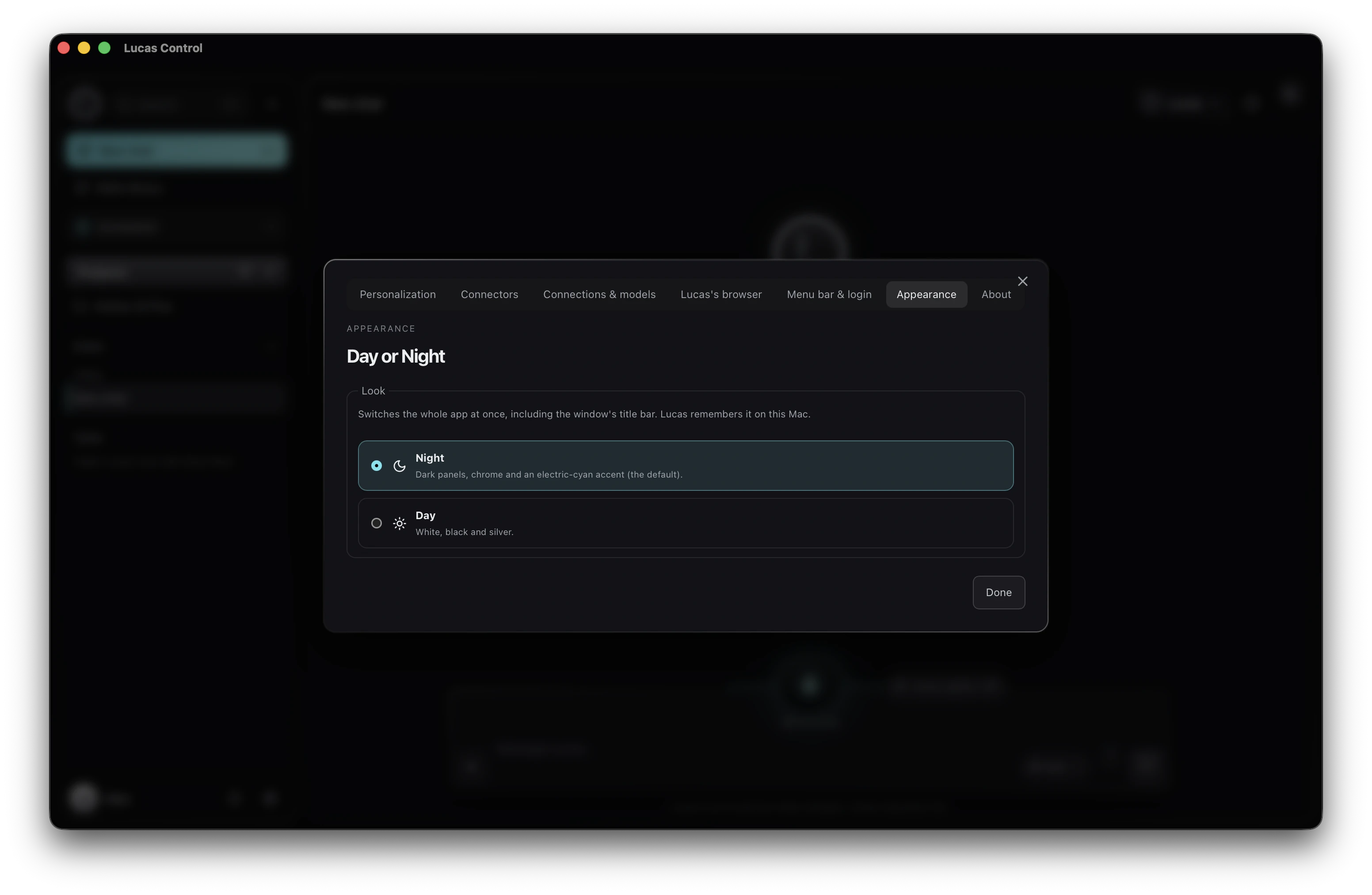
Or choose Settings → Appearance → Day or Night.
Back to Help center
→
Lucas Control
Pick your look in Settings
Appearance: Day or Night.
Related
Lucas Control Help center
Everything Lucas can do
What the Mac app adds
 Lucas Control