Create your account.
Lucas's AI is included: no AI accounts or keys to set up.
 Lucas Control
How it works
Lucas handles the work; you see the important actions before they happen.
Lucas's AI is included: no AI accounts or keys to set up.
Use Lucas in your browser, or in the Mac app for the things only a Mac can do.
Type, or press the mic and just talk. Lucas does the rest, and asks before anything important.
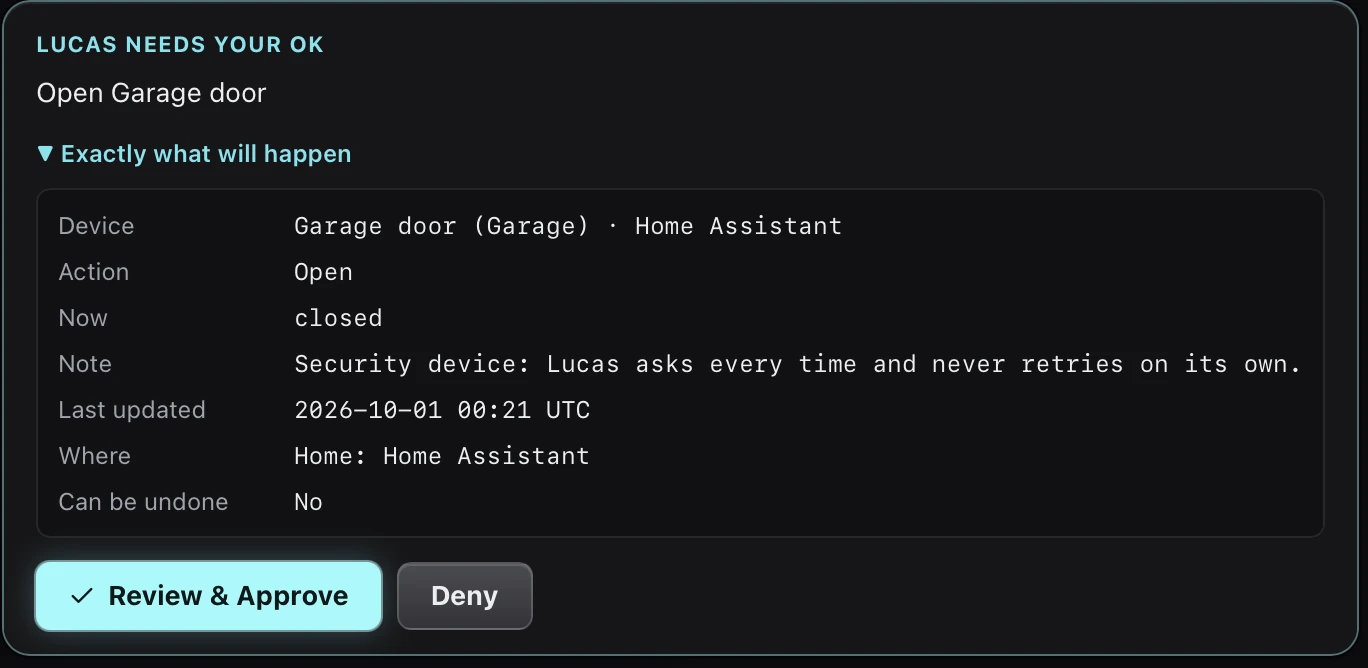
Approvals
When Lucas wants to send, post, pay, change a store, or touch a lock or thermostat, he shows a Lucas needs your OK card. Nothing happens until you choose.
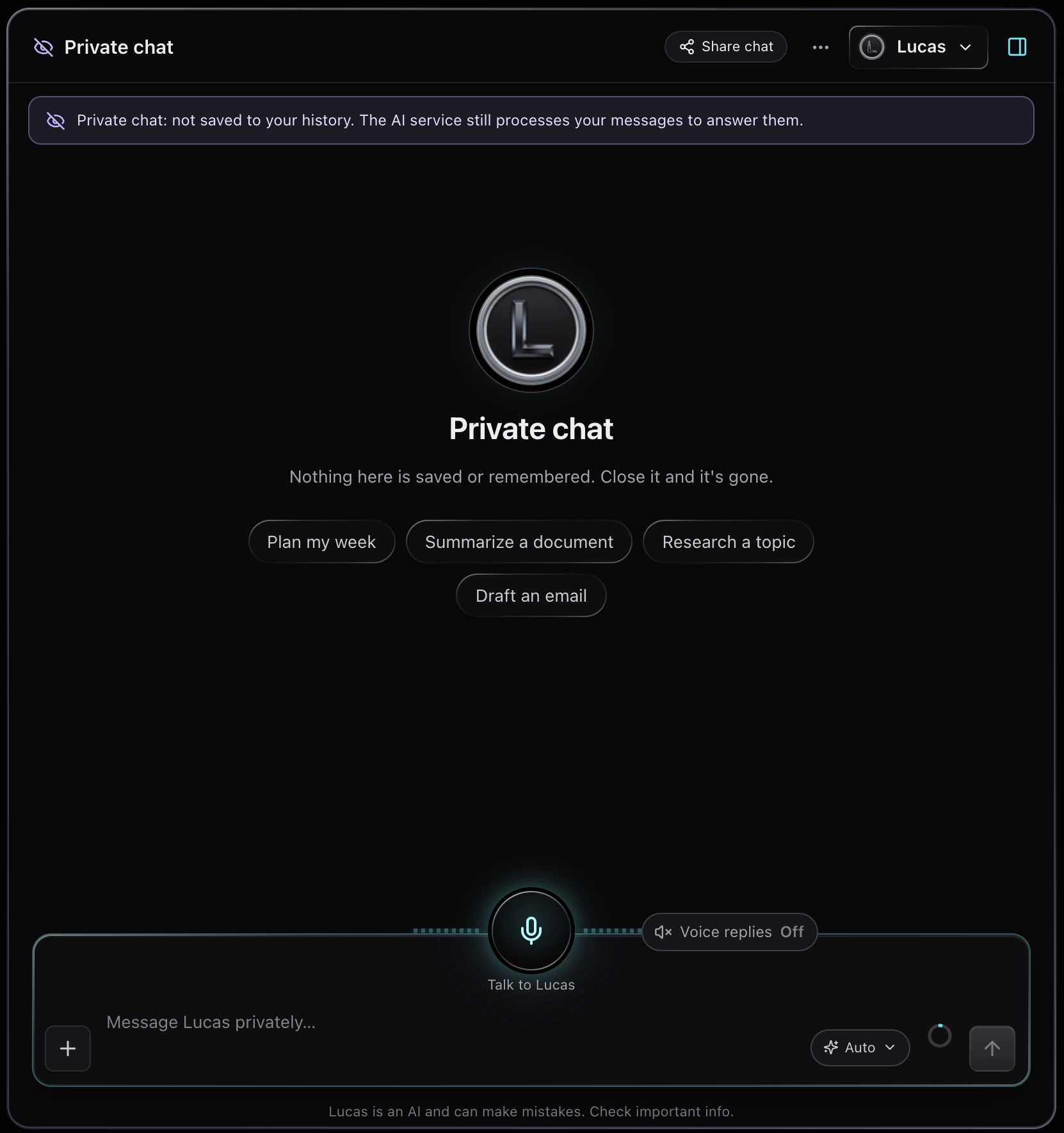
Privacy
Private chats aren't saved in Lucas, don't use memory, and are erased when you close them. The AI provider still processes each request. See the Privacy Policy for details.
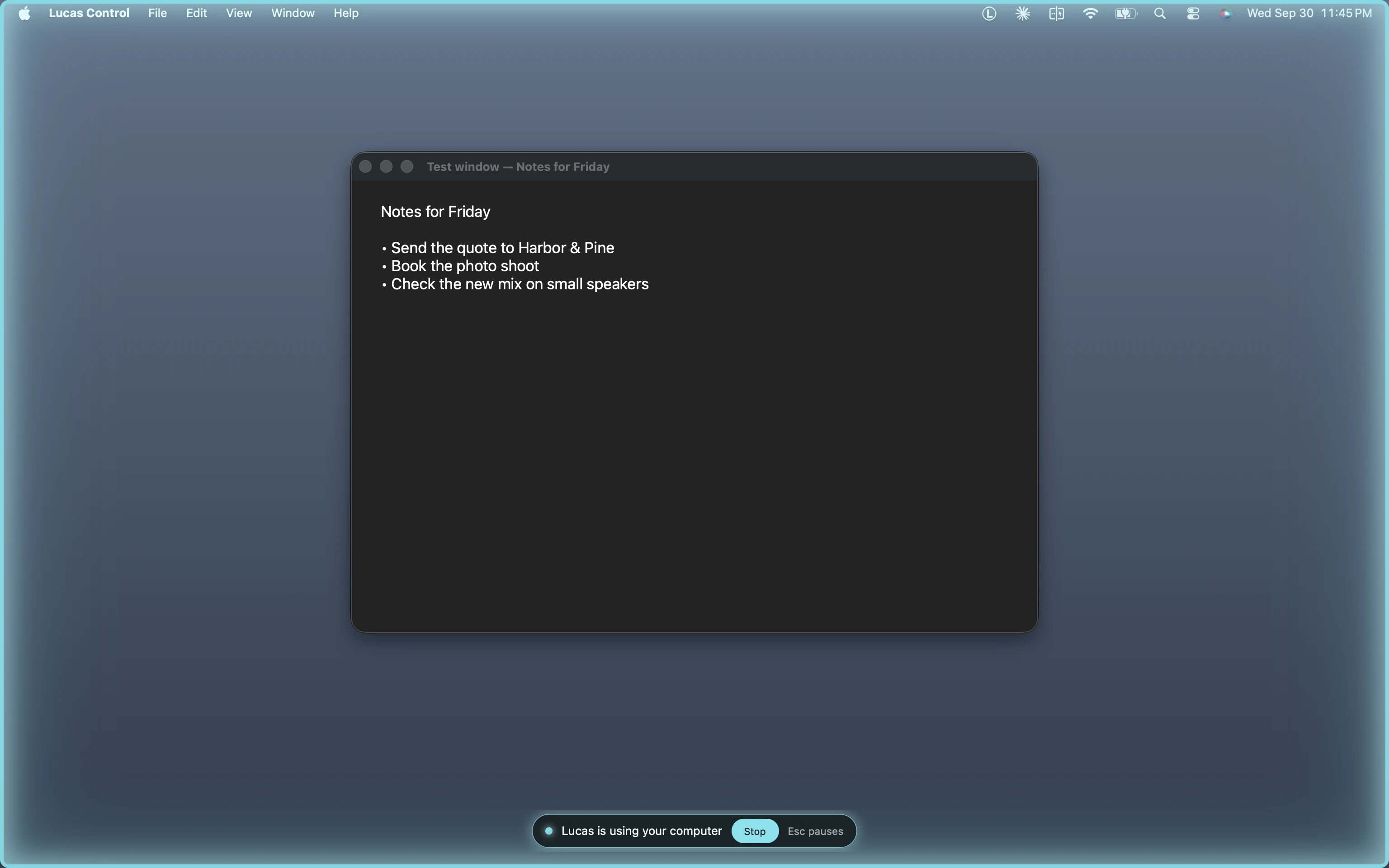
Computer control, in the Mac app
When Lucas uses your Mac, a soft cyan glow outlines every screen and a small bar says “Lucas is using your computer”, with a Stop button. Press Esc to pause. The glow stays out of Lucas's own screenshots, so it never gets in his way.