Skip to content
Lucas Control
Features
Use Cases
E-commerce
SEO and marketing
Freelancers and small businesses
Smart home
Finance charts
All use cases
Integrations
Packs
Pricing
Menu
Sign in
Create your account
Open Lucas
Features
Integrations
Packs
Pricing
How It Works
The Mac App
Guides
FAQ
Use Cases
E-commerce
SEO and marketing
Freelancers and small businesses
Smart home
Finance charts
All use cases
Download
Sign in
Create your account
Open Lucas
Home
Help center
Private chat in Lucas
Help center
Private chat in Lucas
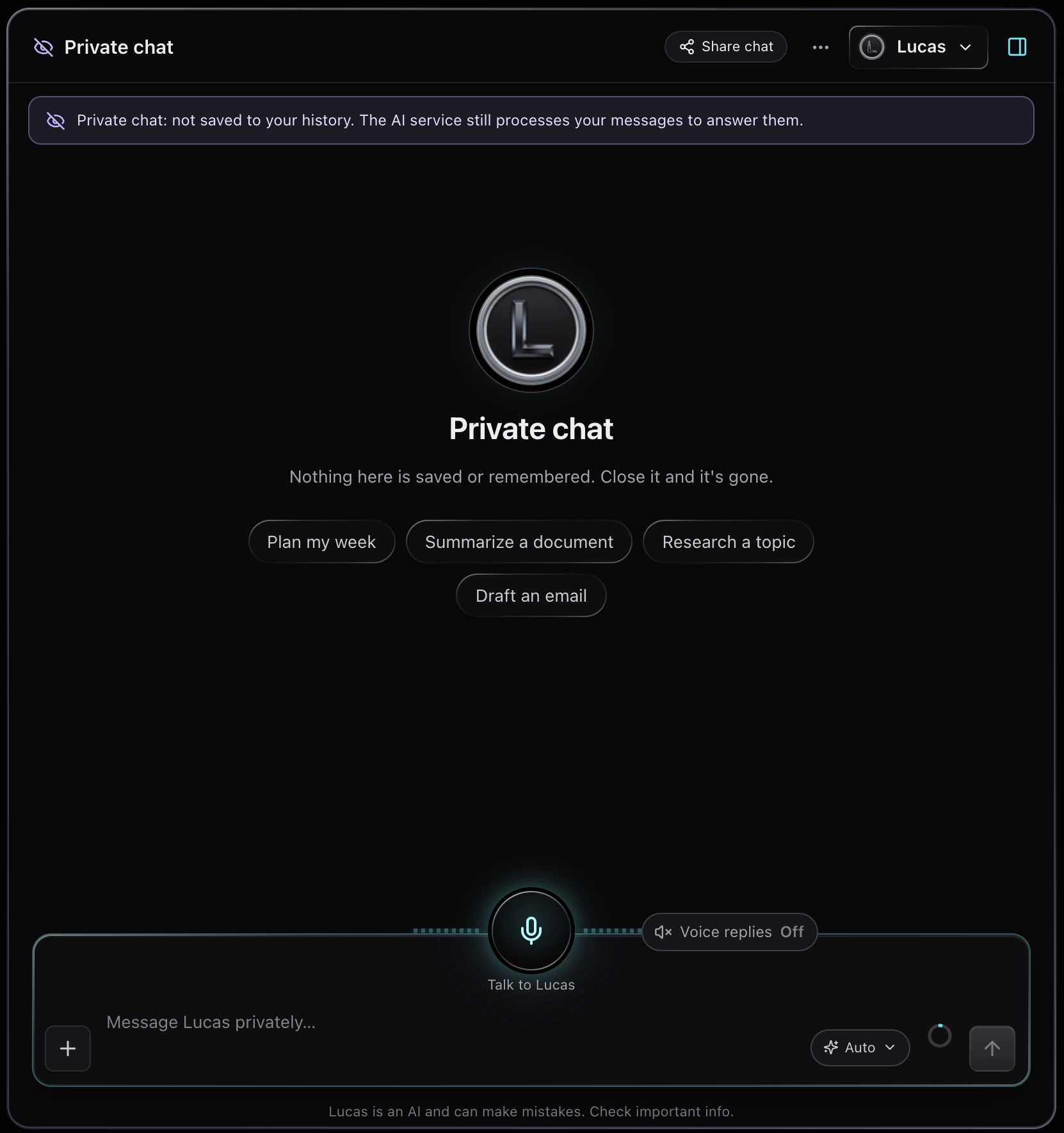
Click Lucas ▾ at the top of the chat.
Switch on New private chat.
A banner confirms it: not saved, no memory, erased when you close it.
Switch chats or close the window and it's gone.
Back to Help center
→
Lucas Control
Private chat
Nothing here is saved or remembered.
Related
How to keep an AI chat private
Security at Lucas Control
Privacy Policy
Lucas Control Help center
 Lucas Control