Help center
Skills in Lucas
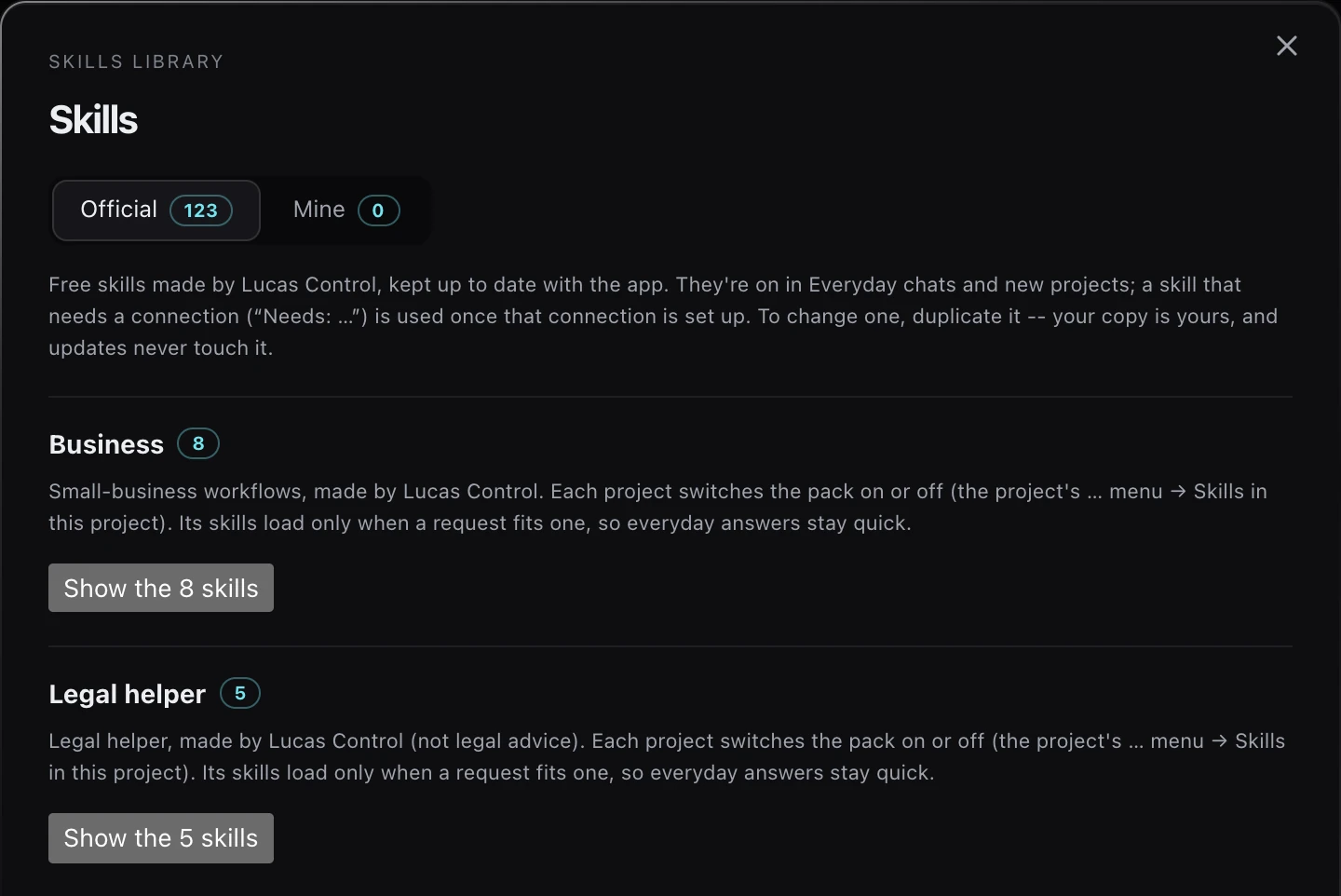
- Open the settings menu and choose Skills library. The Official tab lists the ready-made skills that come with Lucas: 28 of them, for documents, marketing, research, sales, creative work and your home. Packs add 95 more.
- Each card says what the skill does and what it needs. A skill that needs a service (for example, Sales report needs Shopify, WooCommerce or Stripe) is used once you've connected one.
- Official skills are kept up to date for you. To change one, press Duplicate to edit and make the copy your own; updates never overwrite your copy.
- Choose skills per project from the project's … menu → Skills in this project.
- Lucas uses a switched-on skill automatically when your request fits it, and shows Using skill under his reply. New accounts start with Report writer, Spreadsheet builder and Meeting prep on; switch on any others, and turn any skill off with its switch.