Help center
Memory in Lucas
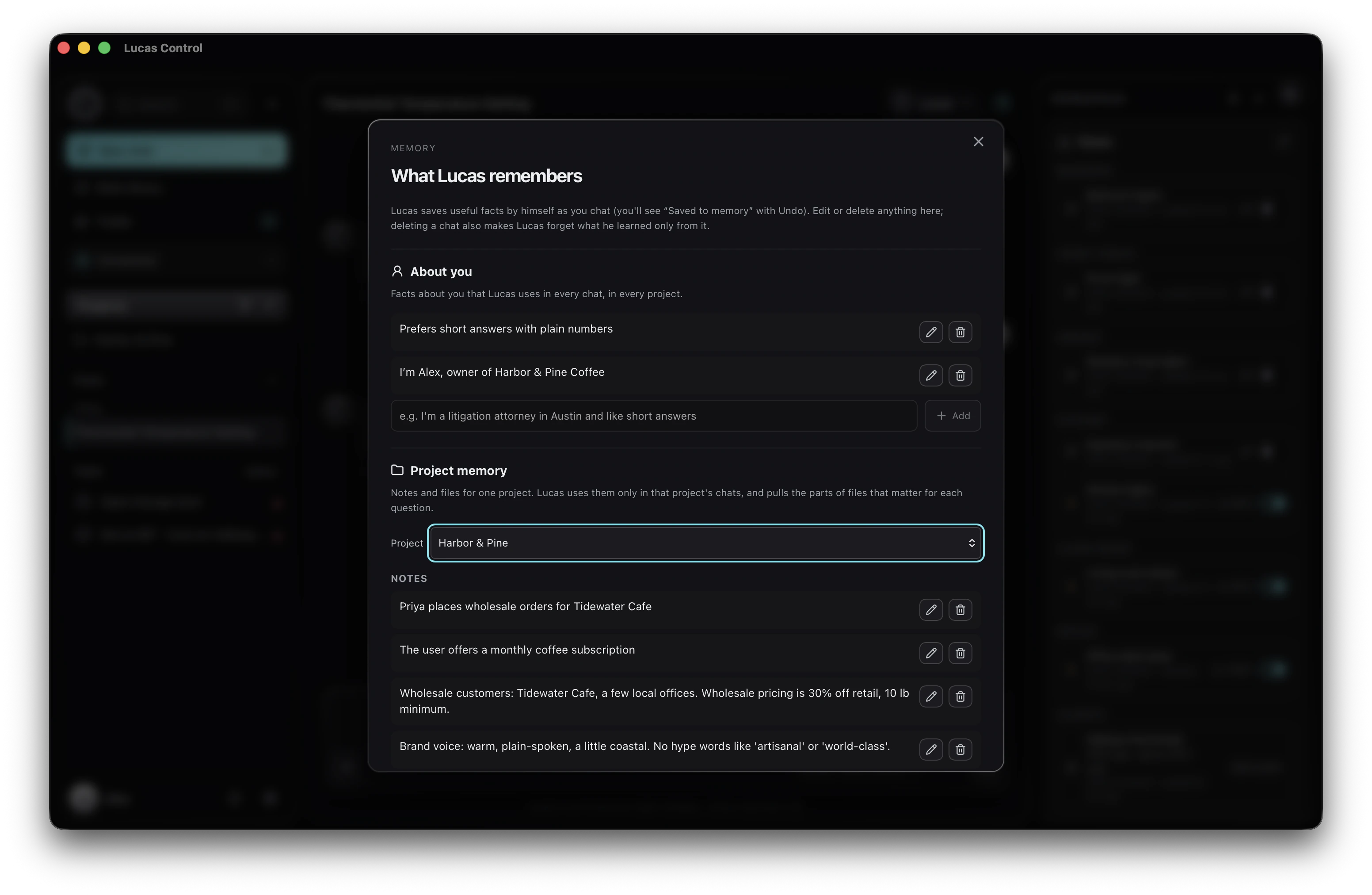
- Lucas saves lasting facts as you chat. You'll see Saved to memory with Undo under his reply.
- To see everything, open the settings menu and choose Memory.
- About you is used in every chat. Project memory is used only in that project.
- Edit or delete any fact. Deleting a chat also deletes what Lucas learned only from it.
- Turn memory off in Settings → Personalization.